Stop Crafting Screenshots,
Start Launching.
Drop in your app - AI builds your App Store screenshots.
Pick. Tailor. Export.
See it in actionSee how Crescreendo turns a look you love
into screenshots for your app - in three steps
Pick a look
Start from screenshots you love, then choose your app from the App Store or GitHub.


Your app in.
Screenshots out.
Every frame is a real screenshot a top app
ships on the App Store today. Yours is next.
Localize every screenshot
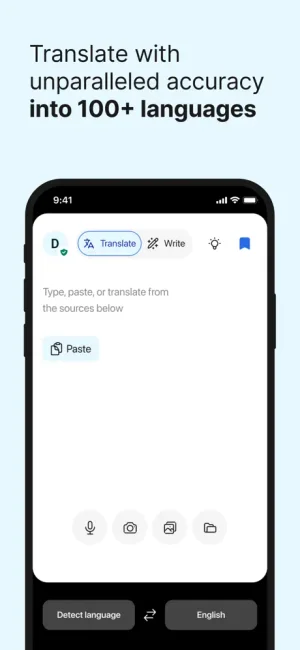
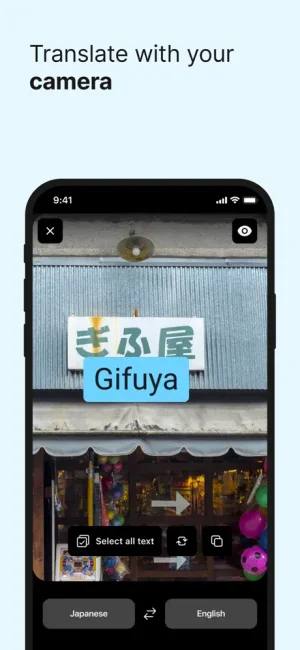
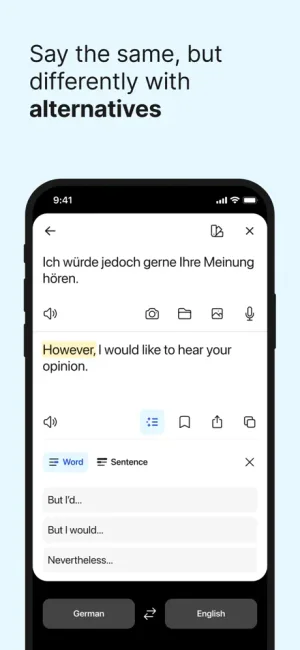
Top apps ship their screenshots in every language. AI translates yours into 85 store languages.
App Store · United States









PropertiesChat
Language
🇺🇸English (US)en-US
Search App Store languages
- 🇺🇸English (US)en-US
- 🇯🇵日本語ja-JP
- 🇩🇪Deutschde-DE
- 🇸🇦العربيةar-SA
- 🇰🇷한국어ko-KR
- 🇨🇳简体中文zh-CN
Start from looks that already work
Describe the look you want. We find it among 1,400+ App Store screenshots of top apps.


Agents build on the bones of top apps
We map a top app down to its skeleton. Then a team of AI agents rebuilds every screenshot for your app.
BearApp Store reference


From your code to the store
Connect GitHub. We read your app and publish every language and size to the stores, without editing each one.
App Store & Google Play
Waiting for your app
organicmaps/organicmaps
Finding your app’s colors
Finding Organic Maps…
Reading the app’s palette…
Preparing colors for the slides…
Preparing feature suggestions
Reading the app analysis…
Finding features to highlight…
Preparing recommendations…
- Offline maps · Recommended
- Offline navigation · Recommended
- Route planning
- Map updates twice a month
Free to start.
One plan to launch.
Add your app and pick a look for free. Subscribe when you generate.
Cancel anytime.
Pro
Your screenshot workspace, with built-in AI
$12.99/mo
$155.88 billed yearly
100 AI credits / month
Unlimited apps and projects
Full version history
Everything before you ship.
Straight answers about inputs, editing, localization, privacy, and pricing.
Give your app the
screenshots it deserves.
Drop in your app and pick a look that works.
AI builds the set, in every store language.